Installation & Update
warning
Ensure that your CPU and GPU drivers are up-to-date to guarantee optimal performance and compatibility.
Recommended tools for driver updates:
Install DLHUB
ANSCENTER Portal is a one-stop shop for managing your own software licenses and download latest software version.
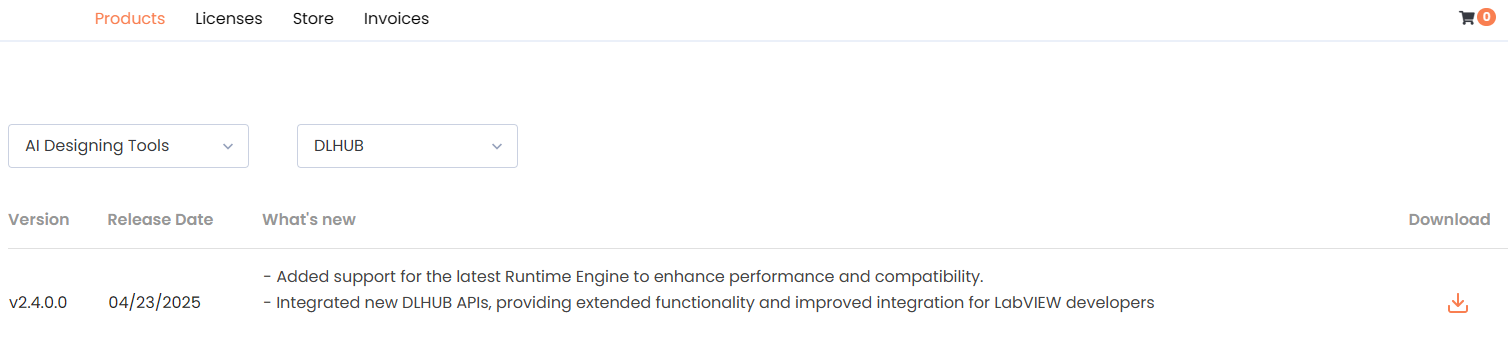
The correct installation steps are:
- Download and install
DLHUB Runtime EnginefromProduct> AI Designing Tools> DLHUB(one-time only) - Download and install
DLHUBfromProduct> AI Designing Tools> DLHUB
Recommendation
- Default installation directory is recommended
- A system reboot is recommended after finishing installation
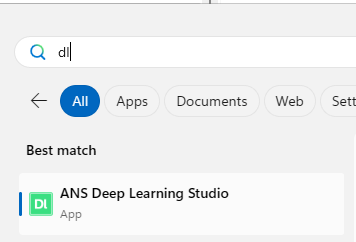
Once installation is completed, you can access DLHUB from Windows Start Menu or Desktop
Activate DLHUB
info
To activate DLHUB, please refer to ANS License Manager for instruction
Update DLHUB
To update the software without affecting data, uninstall the DLHUB Installer from the Add or Remove Program window prior to installing new version
