Load Training Dataset
After creating a new classifiation project, you will come to the next step to upload training dataset for the project
Load Dataset
To upload the training dataset
- Select the
foldericon - Browse to the dataset directory
- Press
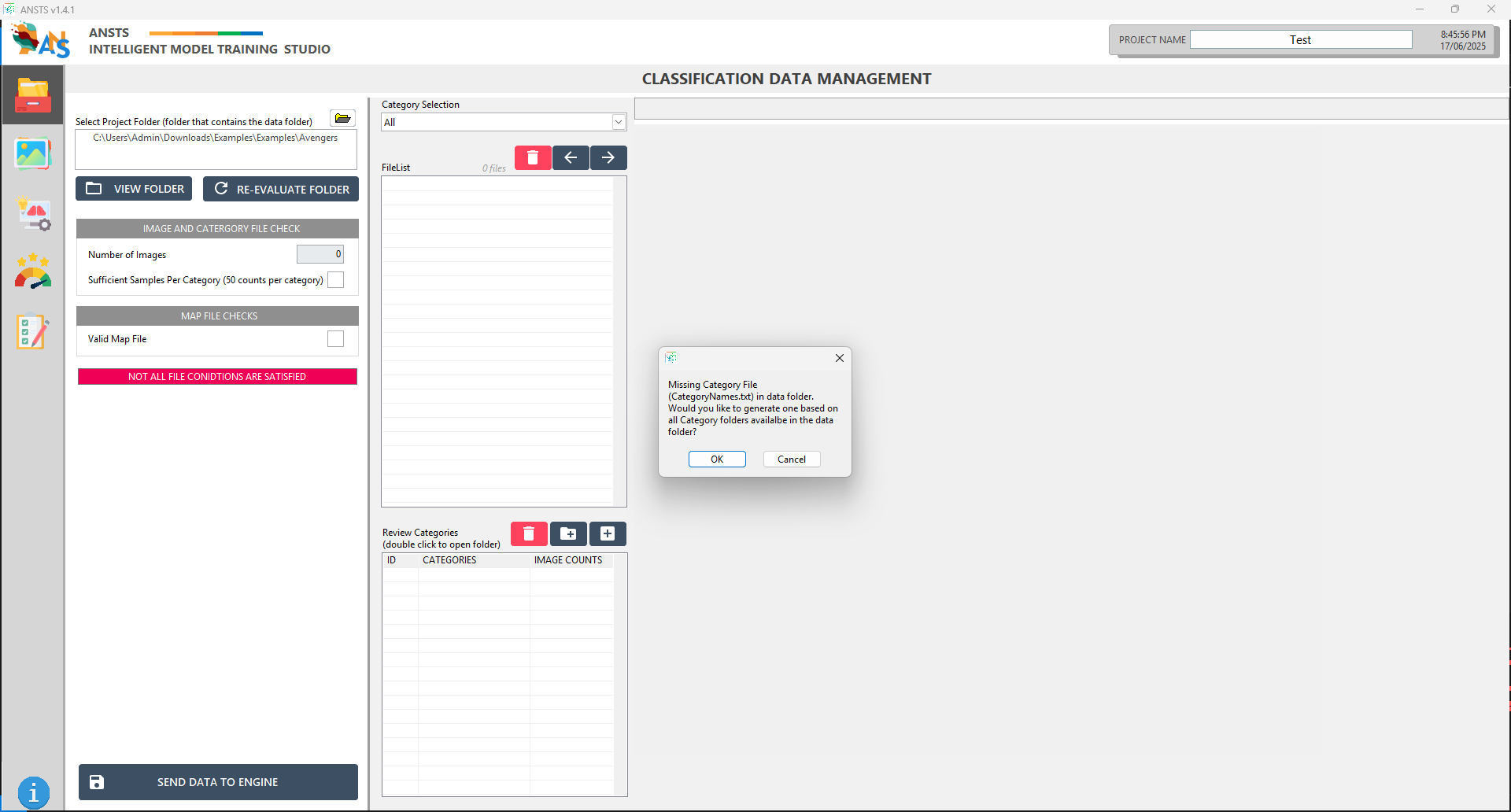
current folderto start loading the dataset into ANSTS - The system will ask to create a
CategoryName.txtfile, which is a map file that contain all classes of your dataset
Data Validation
Once the dataset is uploaded, it must meet specific ANSTS condition for training
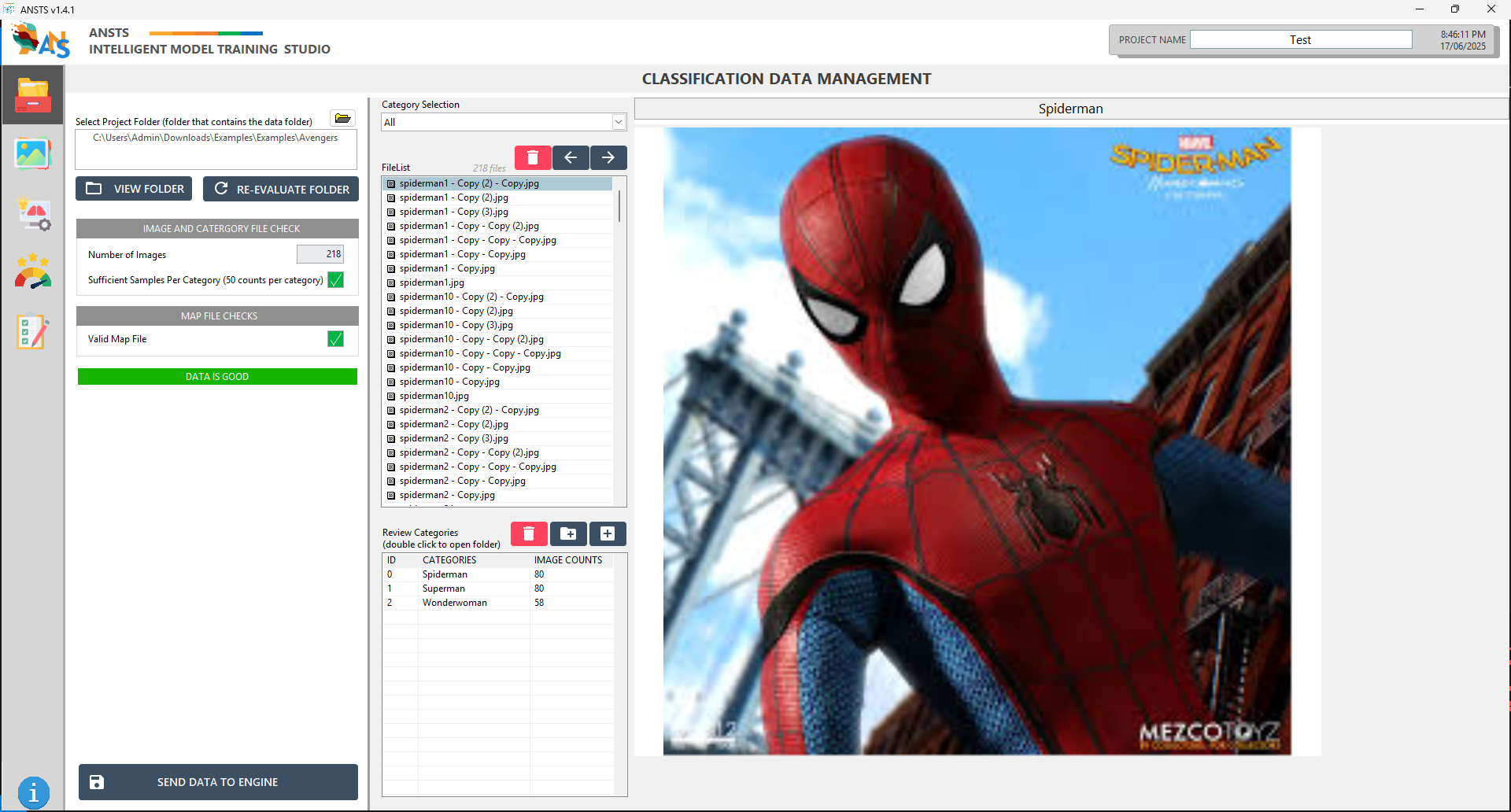
Review the provided dialogue to confirm the dataset has sufficient image per category and valid map file.
- If dataset is not sufficient (at least 50 per category), please collect more images for the corresponding class folder
- If map file is not found, press
Re-evaluate folderto try auto-generating the file again
Once data is GOOD, press Send Data To Engine for the training phase.
info
If you modify your dataset folder during this process, please press Re-evaluate folder to refresh the data in ANSTS. After sending data to engine, you cannot make changes to your project's dataset.