Global Setting
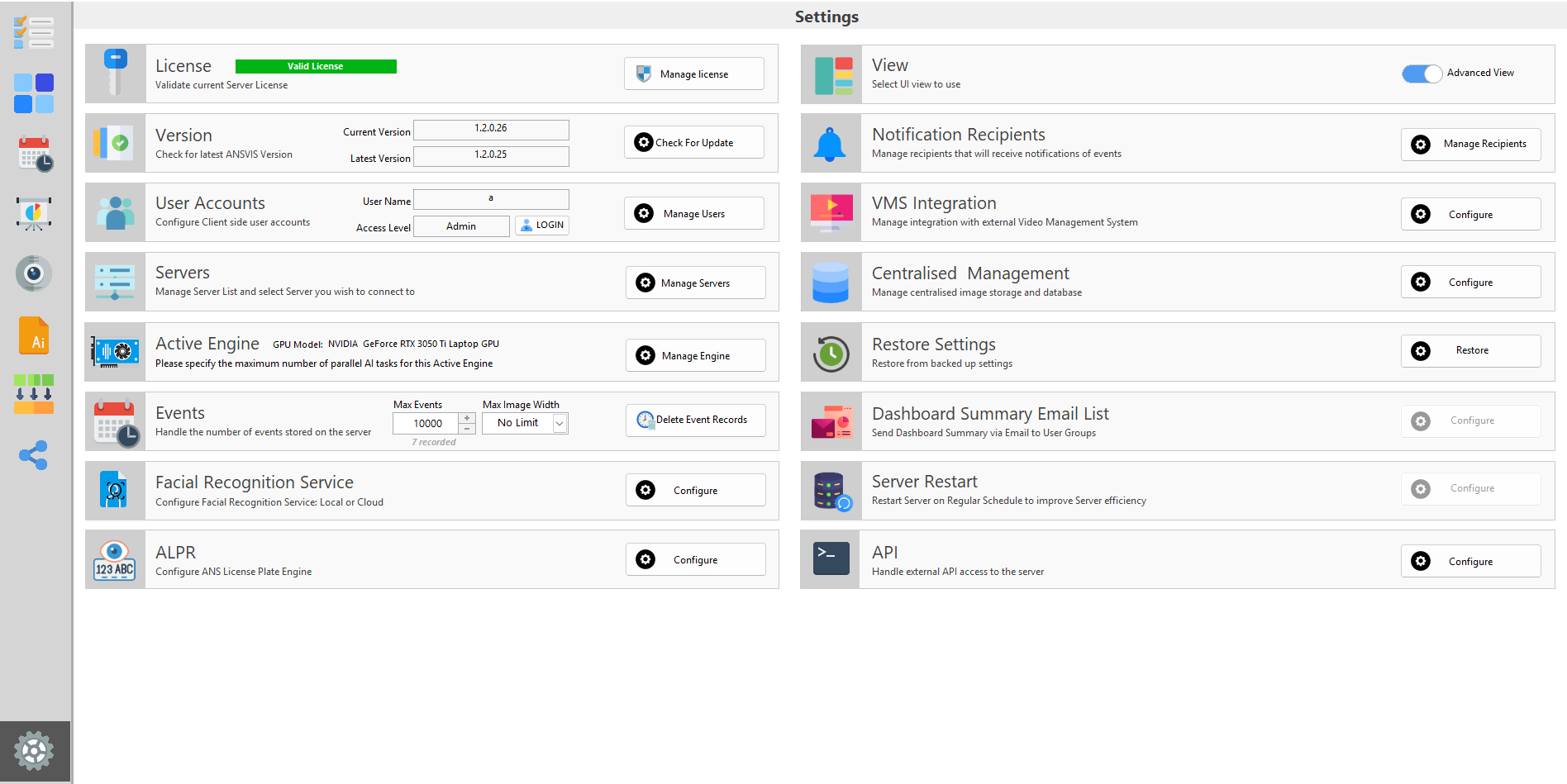
Learn about the settings that are applied for ANSVIS Server
📄️ Client Accounts
The ANSVIS Client supports multiple account roles to help manage user access to ANSVIS Server. Each role is designed for a specific level of responsibility and functionality within the ANSVIS Server.
📄️ Manage Servers
Manage servers
📄️ Event Storage
By default, events are stored in ANSVIS servers. By going to the Setting page, you have some options to control how events are kept
📄️ Active Engine
Overview
📄️ Cloud Storage
📄️ Backup Settings
The Backup & Restore feature in ANSVIS allows you to safeguard and recover your system configuration with ease. It ensures that your server settings can always be restored or migrated when needed.